
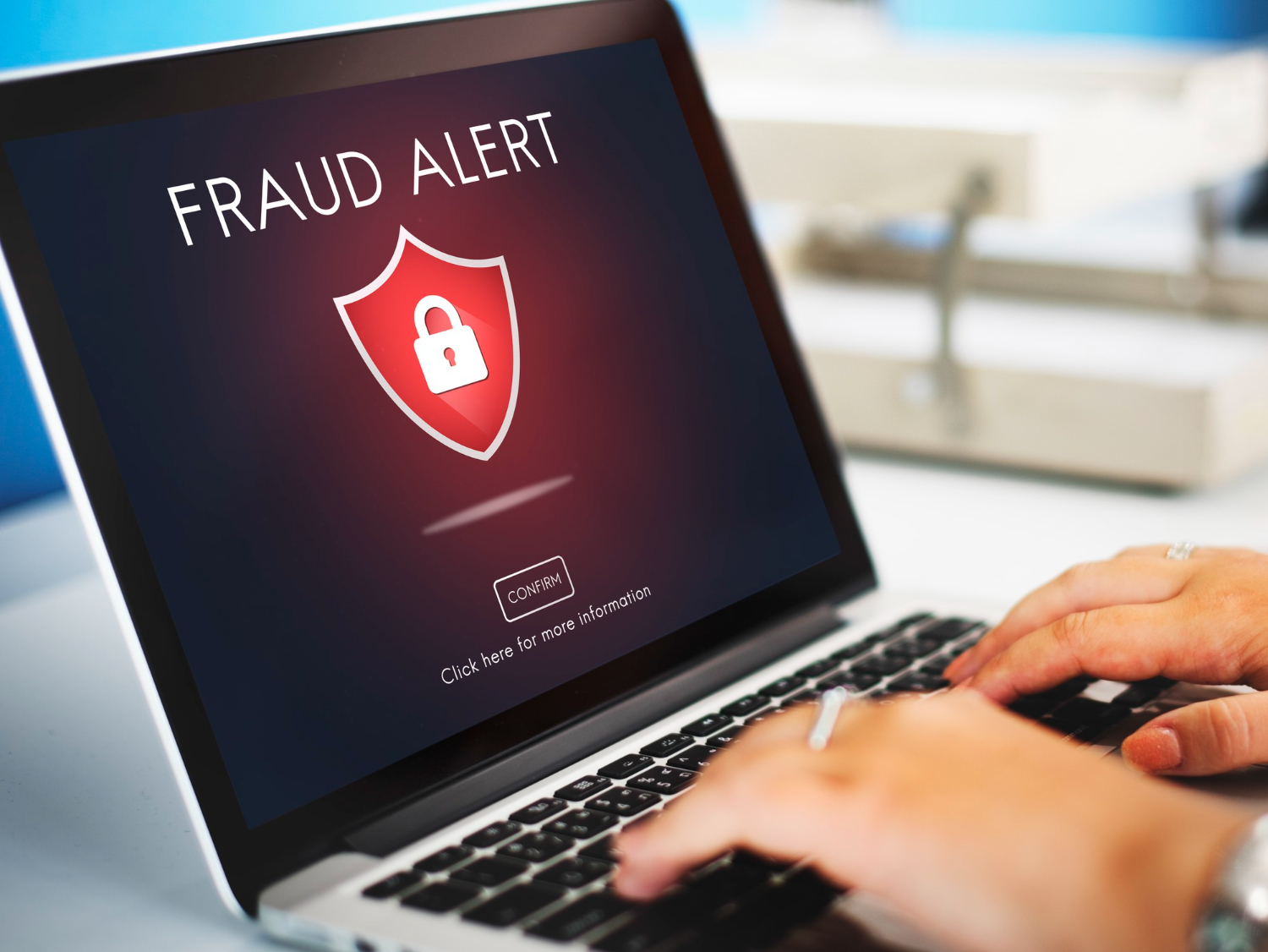
Internet users connect online daily to work, chat on social media, check emails, watch news, and enjoy entertainment. These simple habits expose millions of people to cybersecurity threats and data risks. Most users ignore fake links, pop-ups, or redirects to suspicious websites. They view them as normal ads, online support, or activities, unaware of the growing dangers of cyberthreats.
You must practice personal cyber security hygiene in your everyday browsing habits. Change your passwords often, update your system, and do not open unknown links or attachments. Your lasting solutions for cyber security start with developing healthy browsing habits.
Image by rawpixel.com on Freepik
Why online criminals are interested in your everyday browsing habits
Routine browsing habits are valuable to online criminals because they know most people are unaware of the dangers of cybersecurity threats. Hackers know many people easily click links on social media, view pop-ups, and download attachments without giving it a second thought. Online criminals know millions of people connect to public Wi-Fi without considering protection. Hackers use this level of misinformation to their advantage and breach your personal cyber security.
Online users experience cyberthreats depending on the search engine they choose to use. Yahoo browser users often experience the Yahoo virus, which resets their browser settings without warning. Know the tools and browser setups that can help you get rid of Yahoo search virus. The problem with the Yahoo search engine virus is that it redirects you to websites you are not interested in. This is a serious problem because you could be redirected to hacking and malware-infested pages. Your key solution is to remove Yahoo redirect virus to enjoy disturbance-free browsing.
Personal cyber security threats that you might experience daily
Personal cyber security threats are things done by individuals or software that threaten your data and device security. Cybersecurity threats could originate from infected attachments, links, dangerous websites, emails, and viruses. These cyberthreats are risky because hackers use them to track everything you do online.
They keep a record of the places you visit while browsing. This helps them know the permissions you have allowed that can help them lock your devices and accounts. Once they do, they steal your passwords, money, data, or demand payment to release your files.
What are the common browsing habits do hackers look out for?
Now that you understand the personal cyber security threats you might experience daily, pay attention to the common browsing habits hackers look out for. These habits may look simple and harmless, but can lead to significant losses. You could lose your money, business connections, and data. Here are the common habits that could lead to serious cybersecurity threats:
● Failure to update your device software: Lack of device software updates exposes you to many cyberthreats due to bugs. These are serious problems that make your software weak and easy to penetrate.
● Opening links without confirming the source: Hackers are happy whenever you open a link without minding who sent it or which website it will redirect you to. Online criminals hide viruses in such links.
● Connecting to unprotected Wi-Fi. Public Wi-Fi is good because it helps you stay connected, but it poses many dangers to personal cyber security. Without protection, hackers can easily access your device to control it and steal your data.
● Opening pop-ups: You may see pop-ups as product ads or security warnings prompting you to tap and open. Some of these messages are dangerous because they contain infected links. Hackers know most people easily tap such messages without considering the risks.
● Saving passwords on devices and browsers: Passwords saved on your browsers or devices are not protected. They are easy prey for hackers seeking to use them to access your accounts.
● Free software downloads: Hackers use free software downloads to trap many unsuspecting internet users. Some of the apps cause serious cyberthreats, leading to huge data losses.

Daily browsing habits that help you stay safe from cyberthreats
Your simplest action while browsing could be your biggest source of threat and data loss. Develop simple solutions for cyber security to help you stay safe in your daily browsing habits. Start with the following solutions and develop new habits as online security needs change.
Buy an antivirus software
Viruses are dangerous because they silently enter and infect your accounts and devices, leading to many problems. Statista data estimates show that cybercrime losses average $10.5 trillion annually. An antivirus software creates a strong wall against virus entries, keeping you safe from infected links, phishing, and attachments.
Strengthen your passwords
Weak passwords are prone to many cybersecurity threats, leading to data losses. You can avoid such cyberthreats by creating the strongest passwords. Assign a unique login information for each account and protect access to your devices through screen locks. Never save your logins on browsers or devices, but use password managers to protect them.
Scan your device and websites for security
Check your online security health even when you feel like everything is secure. Use your antivirus or personal cyber security tools to scan your devices and browsers for online health. Confirm if a website is secure before visiting it, and scan software before installing it.
Be cautious when sharing information online
It is easy to share information such as your contacts, location, and activities on social media. Your followers may appreciate you, but hackers celebrate such information. They can use your location to track your online activities or contacts and your birthday to guess your account logins.
Take quick action when hacked
When you suspect someone might have hacked you, never hesitate to take action and protect your data. Logout from all accounts and devices and scan them with an antivirus immediately. Call your banking manager to prevent access to your money accounts and reset your passwords soon. As a preventive measure, you should strengthen your sign-in information by implementing two-factor authentication and should update software and operating systems whenever applicable.
Conclusion
Cybersecurity threats affect everyone, from IT experts to top tech companies, startups, and individuals. Cyberthreats endanger everyone who connects online for simple browsing, social media connections, shopping, or downloads. Understand your best cybersecurity solutions and establish a cyber health habit to boost online safety. Developing and establishing such habits requires discipline and strict focus on personal cyber security priorities.