
Introduction
Do you spend hours planning and preparing for an event, taking great shots of it and then seeing a watermark ruining your video? So annoying, isn’t it? After all that work, you should get a better deal!
From weddings to birthdays, concerts to corporate events, those little distractions can utterly ruin a perfect video. If you’re posting to Instagram, TikTok, Facebook, or other social media outlets, you’ll want viewers to see the celebration, not a random logo or brand over part of the video.
Here’s the thing, you don’t have to begin editing from scratch.
With a few simple pointers, your event footage can be saved. We’ll show you how to clean up your event footage, erase those pesky watermarks, and prepare everything for social media in this helpful how-to.
How a Small Watermark Can Spoil a Great Event Video
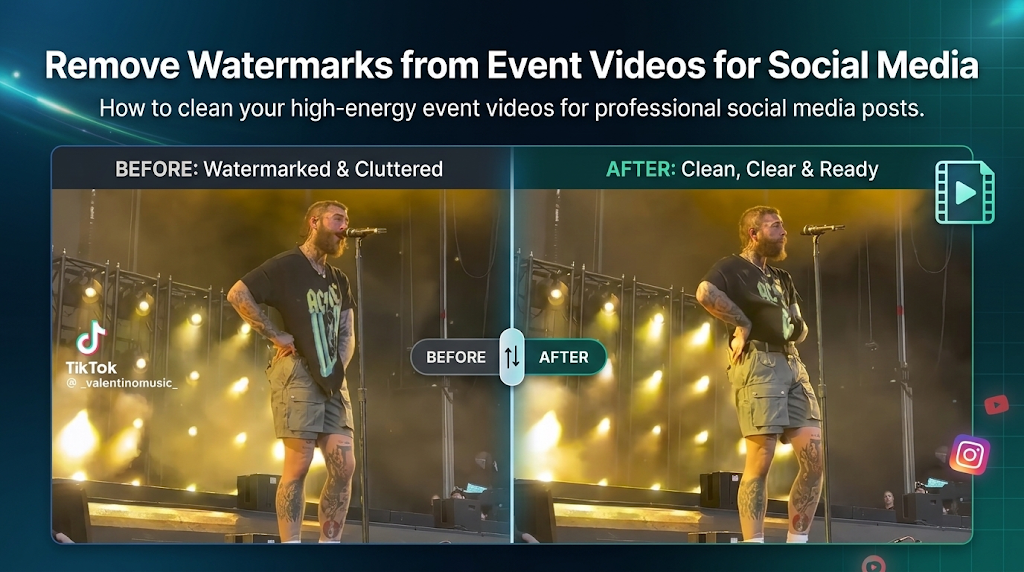
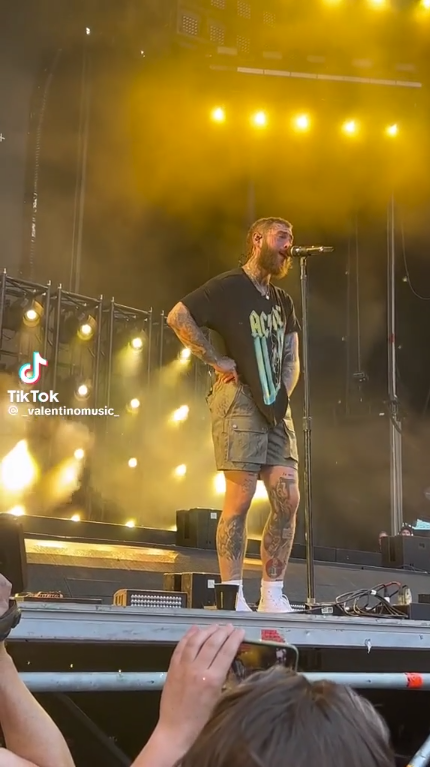
Imagine it: people are losing their minds, the vocalist just hit the note, and you’ve got it all on video. Meanwhile, that watermark is covering the singer’s face. Great. Nobody wants a TikTok watermark that covers the middle of an Instagram Reel or a YouTube Short. Every TikTok video has the TikTok logo right in the middle of the video, so this is just about as annoying as it gets.
And here’s the kicker: That’s not even the worst part.
You could be wanting to use that same clip for next week’s promo, a sponsor spotlight, or next year’s event invite. Good footage is too rare and too important to only use once! And if you’re stuck having to see the same watermark repeatedly, you’re not going to want to use that footage again.
Turn Last Night’s Event into Next Week’s Promo
What an awesome night last night! No shortage of excitement; everyone was dancing, the music was great, and you have 199 amazing videos to see for proof.
How about turning that content into ticket sales for the next show? The sad part: half of them are TikTok clips, a couple were from staff smartphones, and the photographer has just uploaded a bunch.
The easy solution: Request your crew to use their phone’s camera (and not the social media app), to film the video. That’ll give you bite-sized and authentic clips with no stickers, brand logos, or watermarks. Have everyone upload their footage to one shared folder before you head to bed, and you can select three to four highlights that embody the night – a sell-out audience, the performance everyone’s talking about, or a euphoric moment everyone lost their minds.
For Bands and DJs: Reusing Your Own TikToks on Reels and Shorts
So, you just put up an amazing clip of your live set on TikTok. You want to put it on Instagram Reels and YouTube Shorts, too. Of course you do! What better way to get your brilliant tunes in front of more people, more often? But you download it to your camera roll and there’s the TikTok logo slapping your username all over it.
The thing is if you’ve uploaded the video, always keep the original on hand. You could share the clean version in another app later, now that you can transfer TikTok video to your gallery. But what if you already uploaded it? Cropping is an option, but the TikTok watermark is such a pain to deal with. Sometimes it sits in the bottom right corner; other times, it’ll move to the top left. And do you really want to keep only half a stage?
A watermark remover tool can eliminate all of that annoyance. It can remove the watermark from your video without having to make sacrifices and remove the best moments in your performance.
For Festivals and Event Brands: Refreshing Last Year’s Aftermovie
Have an awesome video of last year’s festival? The crowd, the music, the lights. Everything’s looking good! Why not use it to advertise the next one? Great idea! Hang on. The video still features the date from last year, an expired sponsor logo, and some text you really don’t want.
Don’t panic yet, check for the original project files of your video. There is a good chance you can edit the date or delete the old logo with a couple of clicks. If you can’t locate the files, you may still be able to clean up the video using a video cleanup tool. No need to reshoot everything.
Imagine how great that summer festival in Birmingham Park or street party in the Jewelry Quarter could look. Those archive crowd shots and action shots will sell tickets for years. Don’t throw it all away, a little bit of work and you could be back on the road to making the most of it.
For Market Traders and Pop-Ups: Keeping Stall Videos Simple
Have some footage of your stall at the Rag Market or a Digbeth pop-up? Excellent! Why not share it! However, there’s an out-of-date sticker (e.g. “20% off”) or a random date/time on it, or words on top of your goods. Awkward. And you don’t want customers asking for discounts from three weeks ago!
Here’s a quick tip. Film longways, take advantage of natural light near the front of your stall, and keep your clips under 30 seconds. Less is more! When you’re ready to post an older video again, make sure to delete any expired offers and random stickers-cleaning it up now will eliminate a lot of confusion later.
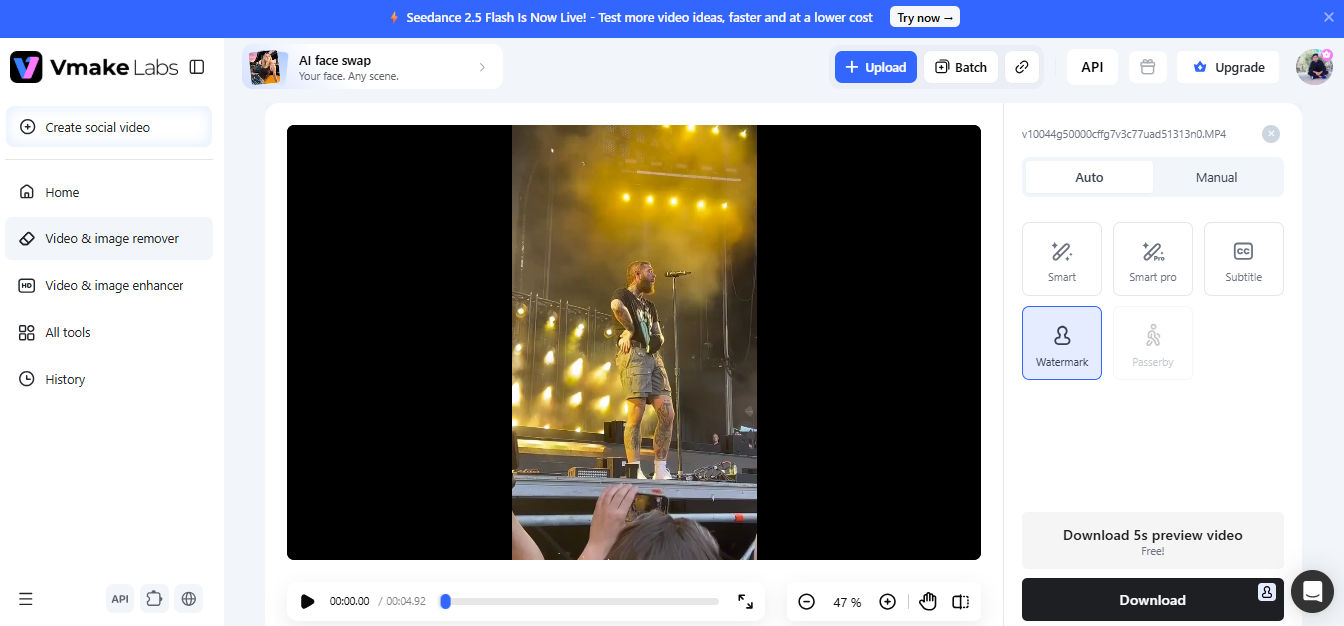
Cleaning Up the Clip with Vmake Labs
Do you have a great event clip, but for some reason you’re still seeing a TikTok logo floating around the screen? Or perhaps you have an outdated date or sponsor name hanging out in the lower corner. Don’t toss a good video just yet!
That’s when Vmake Labs video watermark remover has got your back. This online tool is designed to effectively remove logos, watermarks, stickers, timestamps, and other types of video text from videos you have the rights to edit. And the best part is that you no longer need to crop out half the stage or blur out the entire crowd just to hide a tiny logo.
Vmake Labs is here to help in Auto mode. It can search for static marks, or even moving ones, such as TikTok’s bouncing logo. If it still misses something, you can switch to Manual mode and pinpoint the area you want to delete. Have some annoying old video captions cluttering up your festival video? Subtitles mode might be the answer to clearing those up, as well.
Getting Your Event Videos Ready to Post
Got your best clips selected? Awesome! One second before you share that Post, double-check your content. Download a clear video of the entire event night. Select only moments that will keep users engaged. And if you see last year’s logo, date or some strange tagline hanging around, edit out that flotsam before posting – nobody wants a flashback to last year’s add pop up on this year’s highlights!
Let’s finish strong. Vertical for Instagram Reels & TikTok. Two seconds. That’s all it takes to lose a viewer. Use a crowd going wild or a catchy sound. Write overlays for silent viewers and always credit the venue/performer.
And that’s all!